
How to Search Queens County Court Records
The main public tools are WebCivil Supreme and NYSCEF. WebCivil Supreme is the eCourts search for Supreme Court civil cases. It is good for an index number or party name lookup. NYSCEF is the electronic filing system, and it is the better tool when you want the actual documents in an e-filed case. Criminal appearances show in WebCrims where public access allows. Family Court data is limited because most family files are confidential.
Gather your details first. The index or docket number gives the cleanest hit. A full party name plus the filing year works when you have no number. For a business, try the name with and without LLC, Inc, or Corp.
- Decide which court holds the case: Supreme, Civil, Criminal, Family, or Surrogate's.
- Open WebCivil Supreme for civil case data, or NYSCEF for e-filed documents.
- Set the county to Queens and enter an index number, or search by party name.
- Open the case to read the docket entries, parties, and status.
- Request a certified copy from the clerk if you need an official record.
Queens County Court Records Search Fields
Each portal asks for slightly different inputs. The table lists the main fields on the two civil portals. An exact index number beats every other search, since common names return many hits across the state.
| Portal | Field | Required | Notes / Format |
|---|---|---|---|
| WebCivil Supreme | County | Usually yes | Select Queens. |
| WebCivil Supreme | Index Number | Optional | Best exact search. |
| WebCivil Supreme | Party Name | Optional | Last name or business words. |
| NYSCEF | Search as Guest | Optional | Public search without login. |
| NYSCEF | Index Number | Optional | Exact lookup of e-filed case. |
| WebCrims | Defendant Name | Optional | Criminal appearance where public. |
You can open WebCivil Supreme directly to run a civil search by Queens County and index number.
Types of Queens County Court Records
The record type depends on the case type. Civil cases create index numbers and dockets. Criminal cases create charges and dispositions. Estates create file numbers and letters. Each court keeps its own files, so a single person may have records in more than one system.
These are the main categories a Queens searcher will meet.
- Civil and matrimonial - lawsuits, foreclosures, judgments, name changes, and divorce in the Supreme Court.
- Criminal - charges, pleas, and sentences in Criminal Court and Supreme Criminal Term.
- Family - custody, support, and family offense cases, mostly confidential.
- Housing and small claims - landlord-tenant and lower-dollar civil matters in Civil Court.
- Surrogate - wills, administration, and guardianship through Surrogate's Court.
What Queens County Court Records Show
A docket is a list of fields and events. Once you know the fields, the file reads clearly. A civil docket shows the index number, the case caption, the filing date, the assigned judge, and every motion or order in date order. Personal data like Social Security numbers and minor names is redacted.
| Field | What It Shows |
|---|---|
| Index / Docket Number | The court's unique case ID. |
| Case Caption | The parties named in the case. |
| Filing Date | When the case was commenced. |
| Case Type | Tort, contract, foreclosure, matrimonial, or other. |
| Docket Entries | Motions, orders, judgments, and notices. |
| Disposition | How the case ended. |
For docket reading in more depth, see the Queens County court dockets page.
Sample Queens Civil Case Record
A public Supreme Court civil docket in Queens usually carries a set of common entries. Knowing the list helps you judge whether a search result is the case you want. The docket connects the case data in WebCivil with the e-filed documents in NYSCEF.
- Caption - plaintiff or petitioner against defendant or respondent.
- Case type - tort, contract, foreclosure, matrimonial, commercial, Article 78, or name change.
- Status - active, disposed, stayed, transferred, or sealed.
- Docket events - summons and complaint, RJI, motions, stipulations, orders, and judgment.
- Documents - e-filed public PDFs in NYSCEF, with sealed items blocked.
Names, account numbers, medical details, and minor names are redacted. A title can appear in the list even when the document itself is sealed or was filed only on paper.
Public Access Framework for Queens County Court Records
New York treats court records and agency records under different rules. Court files follow Judiciary Law, court rules, and sealing statutes. Agency files follow the Freedom of Information Law. The state recognizes a strong right to view court records, but that right gives way to sealing orders and privacy laws. Judiciary Law 255 requires the clerk to search files and certify records the court holds.
Anyone can search most open civil cases. To get a certified copy, you give the court, county, case number, document title, and copy type, then pay the clerk's fee. A photo ID may be needed for some requests.
Note: A free online screenshot is not a certified record; for official use, request a certified copy from the clerk who holds the case file.
Records That Are Sealed or Confidential in Queens County
Some Queens court records are closed by law. Dismissed criminal cases seal automatically after a favorable end under CPL 160.50. Youthful offender cases stay confidential. Family Court files are restricted, and divorce papers are limited under Domestic Relations Law 235. Adoption and many guardianship files are sealed. Grand jury minutes are secret unless a court orders release.
To view a restricted file, you usually must be a party, a lawyer, or an agency named in the statute. For sealed civil records, a person can move to unseal by showing good cause under court rule 22 NYCRR 216.1. The clerk may require a motion or a court order. An empty search result can mean the case is sealed, not that it never existed.
Federal Court Records for Queens Cases
Queens sits in the Eastern District of New York. Federal civil and criminal cases that arise in Queens are filed in the U.S. District Court for that district, with courthouses in Brooklyn and Central Islip. Bankruptcy cases go to the U.S. Bankruptcy Court for the Eastern District. These files are separate from Supreme Court and city court records.
Federal records are searched through PACER, the national case-access system.
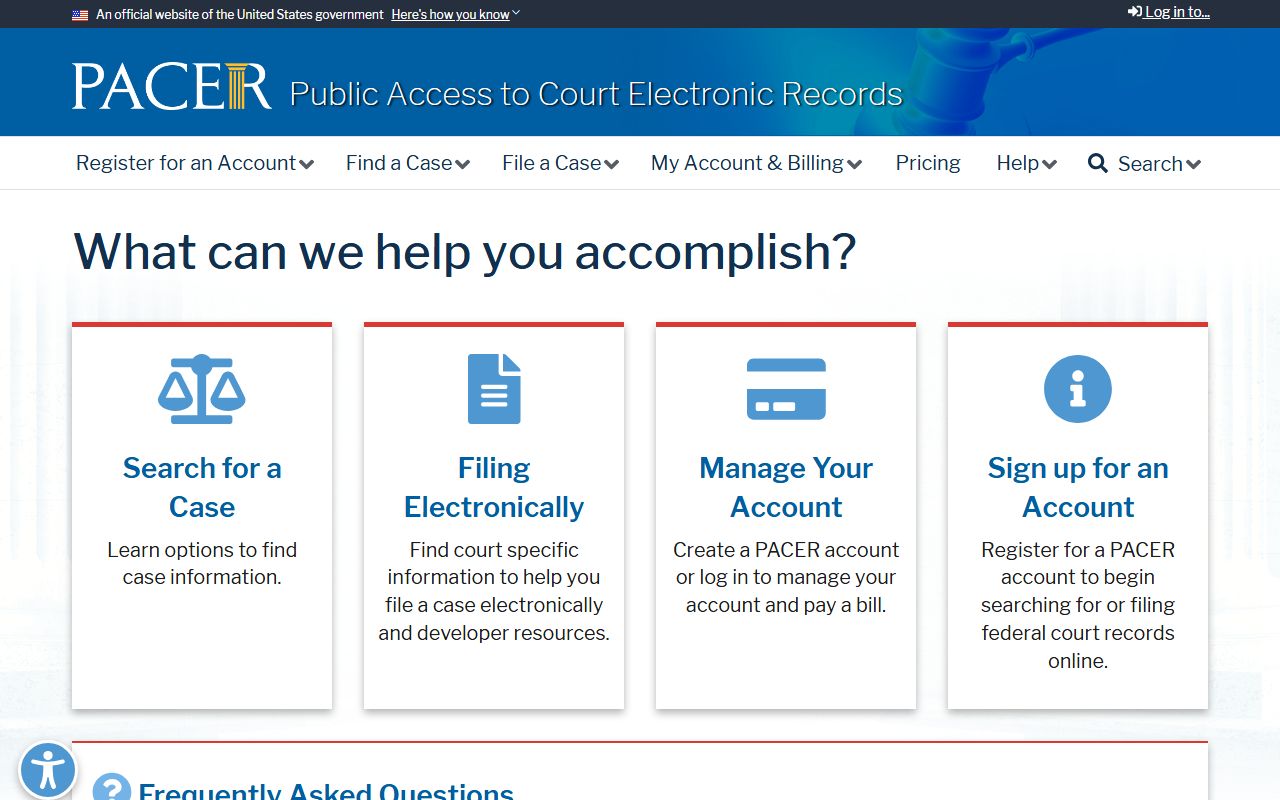
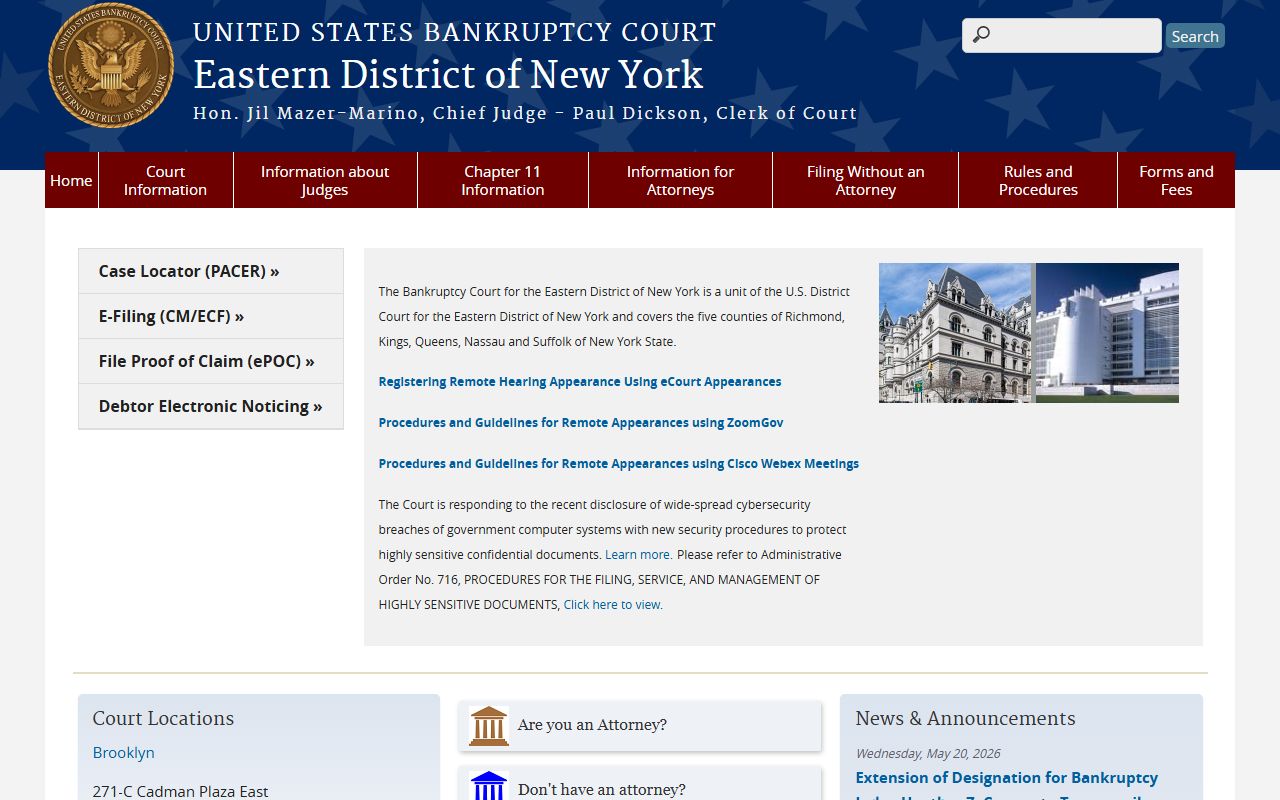
Through PACER you register, search by party or case number, and pay a per-page fee subject to federal caps and waivers. Bankruptcy filings appear in the Eastern District bankruptcy court system.
Appeals move to the U.S. Court of Appeals for the Second Circuit, and federal prosecutions are handled by the U.S. Attorney's Office for the Eastern District.
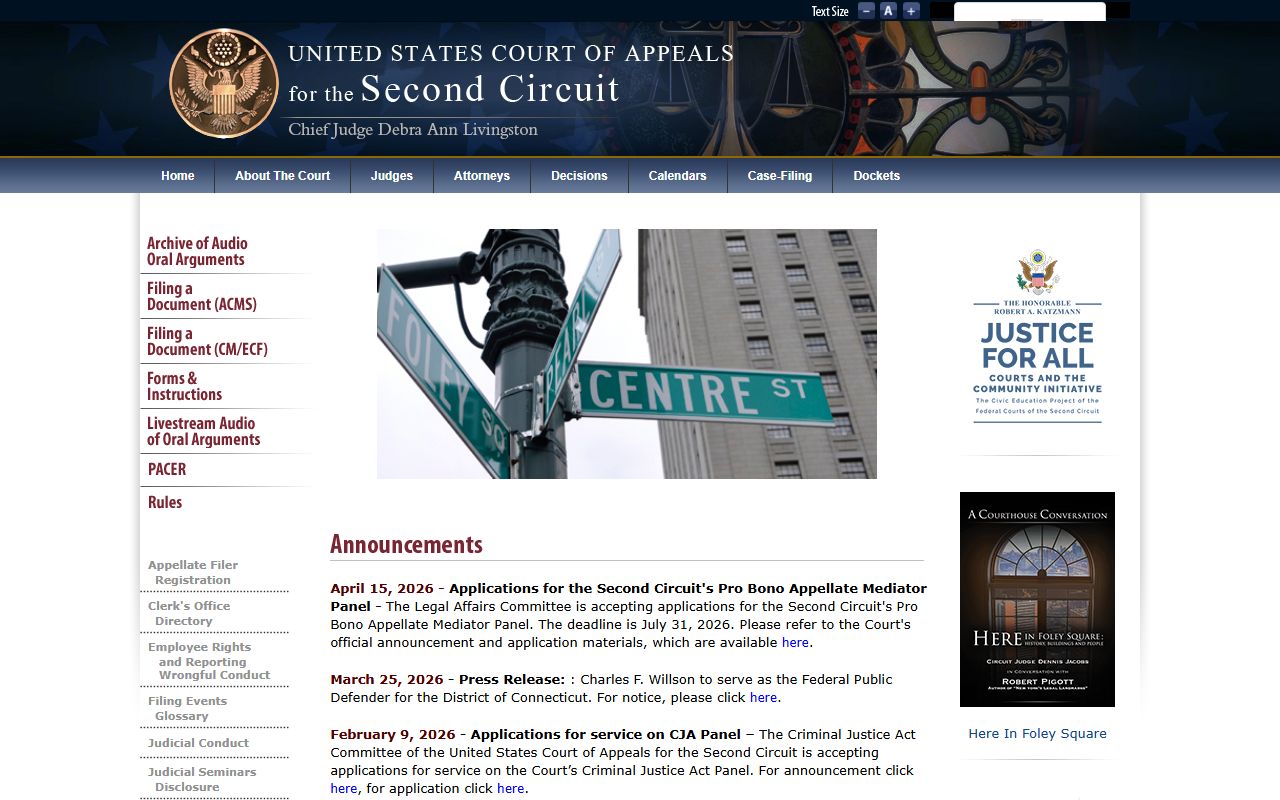
The Second Circuit hears appeals from Eastern District trials. Federal court records use their own numbering and are not part of the state eCourts tools.
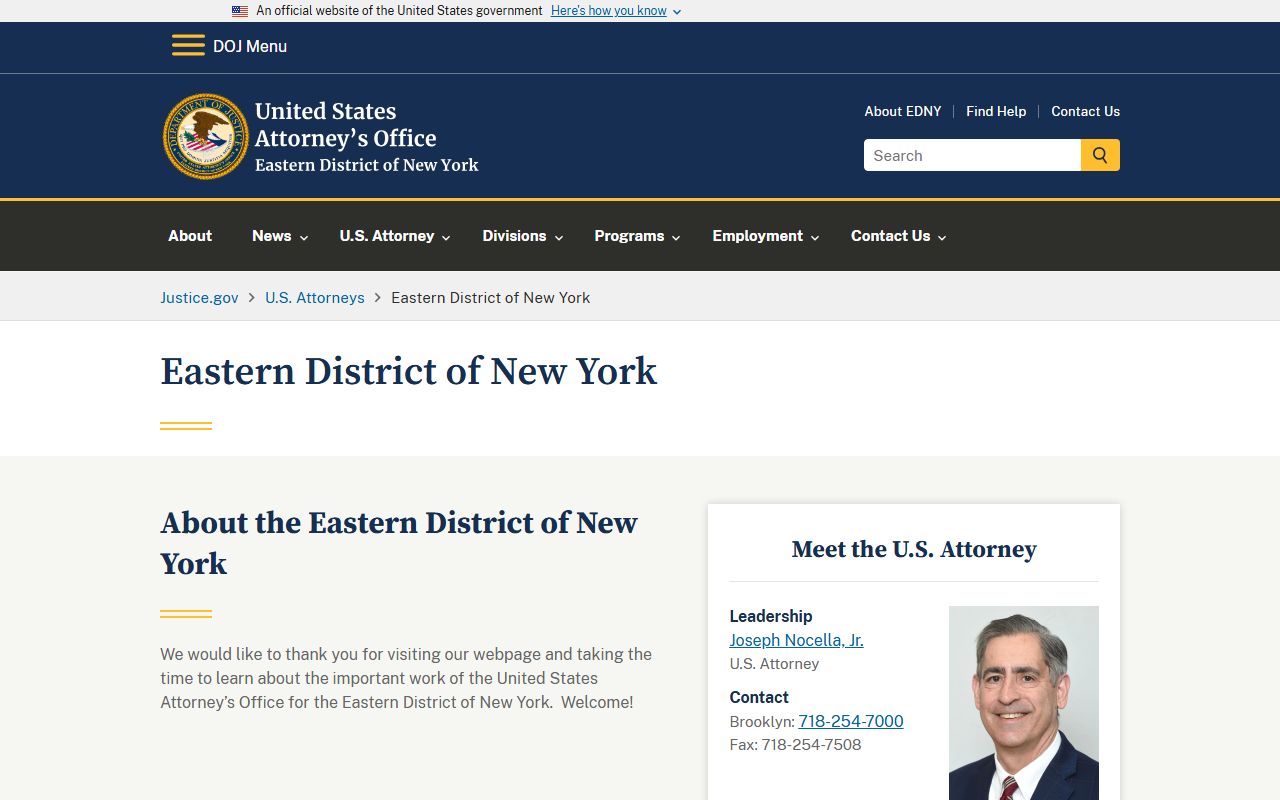
The U.S. Attorney's Office prosecutes federal crimes that touch Queens, including airport and customs matters from JFK and LaGuardia.
In-Person Court Record Requests
When a file is not online, go to the clerk for the court that handled the case. Bring the case number, the party names, the filing year, and the document you need. Older paper files may be archived and take time to pull. Certified and exemplified copies cost more and take longer than plain copies. The clerk window hours can be shorter than the courthouse hours, so confirm before you go.
Each court keeps its own clerk. Civil Supreme files and County Clerk records sit at Sutphin Boulevard in Jamaica. Criminal files sit at Queens Boulevard in Kew Gardens. Surrogate's Court has a separate clerk for estates. If you ask the wrong clerk, staff can usually point you to the right one, but a clear case number and court name save the most time.
Queens County Clerk / Supreme Court Civil
88-11 Sutphin Boulevard
Jamaica, NY 11435
Civil case files and certified copies
Public Record Search
Sponsored Results